
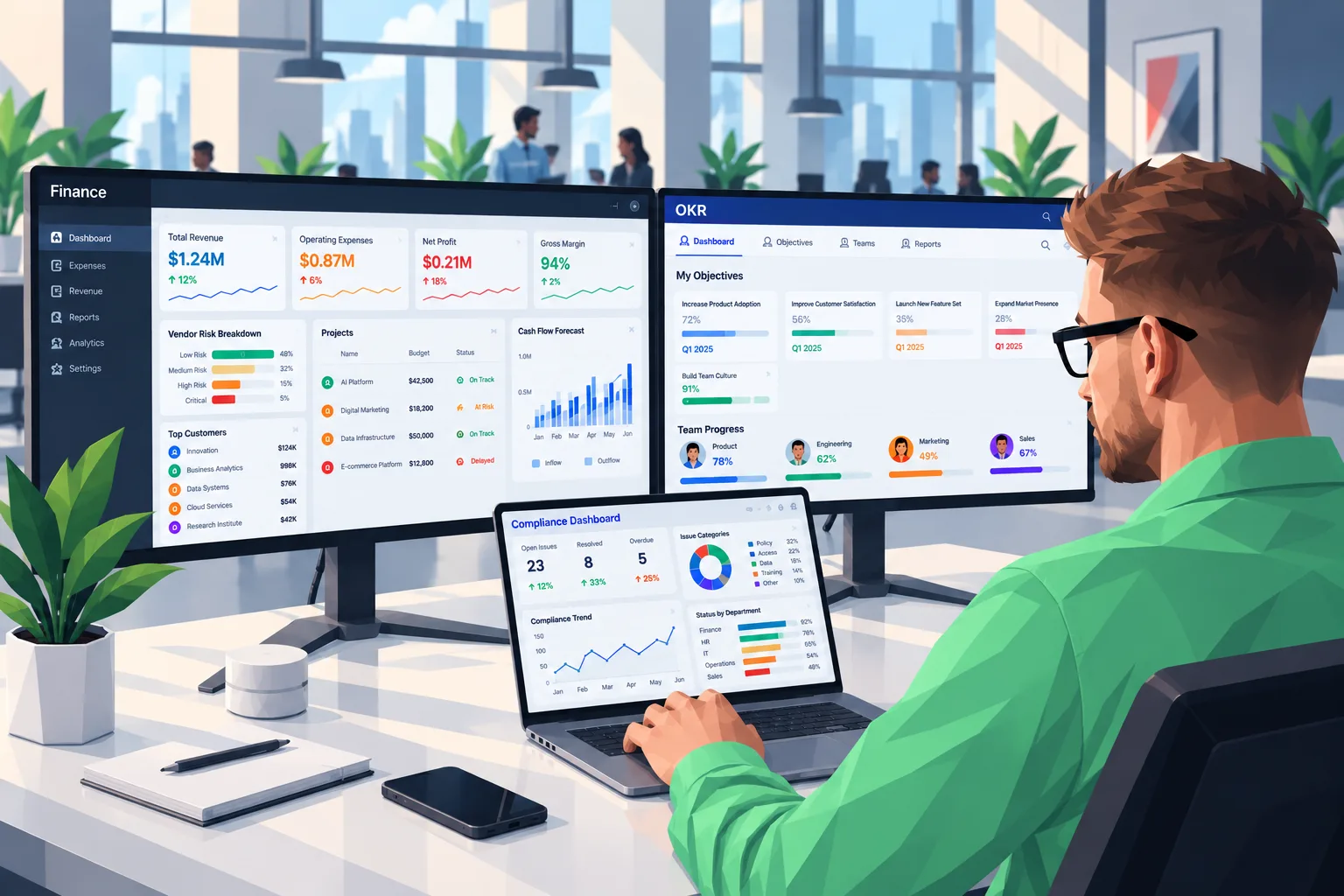







Capture controls
Allowlist and blocklist by app, domain, and time window. Nothing outside the policy is ever recorded.

For AI and transformation leaders who need to move past pilots. WIQ maps how work actually happens, generates automation blueprints from real data, and tracks ROI once agents are live.

 Open purchase request PR-48217 Steve · ServiceNow 1m 48s
  Vet supplier Tri-State Industrial Maya · SAP S/4HANA 1m 11s Approve requisition RQ-6218 Daniel · SAP Ariba 39s Create PO-91042 from RQ-6218 Priya · SAP Ariba 21s Post goods receipt GR-5530 Luis · SAP S/4HANA 54s
  Match invoice INV-2291 to PO Maya · Microsoft Excel 1m 26s Onboard supplier Delta Valve Co. Priya · SAP Ariba 1m 22s
  Answer supplier inquiry on PO-90988 Steve · Microsoft Outlook 24s
  Review contract C-2207 for renewal Daniel · SharePoint 33s Open purchase request PR-48231 Luis · ServiceNow 1m 10s Check cost center MNT-214 Maya · SAP S/4HANA 53s Pull Q3 spend by category Priya · Microsoft Excel 49s Approve requisition RQ-6224 Daniel · SAP Ariba 1m 5s Match invoice INV-2304 to PO Steve · Microsoft Excel 18s Update savings report for Q3 Luis · SharePoint 33s
 Purchase Request Intake
Supplier Vetting
Requisition Approval
PO Creation
Goods Receipt
Invoice Matching
Supplier Onboarding
Contract Renewal
Performance Review
Supplier Inquiries
Spend Data Pull
Category Analysis
Savings Report
WIQ maps work as it happens and measures actual handle time per process.
The result is a ranked list of automation candidates based on real effort data, not stakeholder opinions or interview notes.
Discovery
Generate Blueprint
Optimize & Refine
Deploy & Test
Deploy to Production
WIQ generates full automation blueprints from real process executions, complete with agent instructions, required tools, guardrails, and escalation paths. Hand these directly to an AI engineering team or deploy them through an agentic platform.
 WIQ Agent
  Claude
  Microsoft Copilot
  OpenAI
  Workato
  n8n
n8n  Custom API WIQ Agent
 WIQ provides the process intelligence. Your platform runs the agents. Connect via MCP to query analytics, check tool availability, and deploy agents that follow the right blueprint for each task.
WIQ Claude Microsoft Copilot OpenAI Workato n8n Custom API As WIQ continuously maps your operations, new blueprints are generated as new processes are discovered. Blueprints update themselves when workflows change, so scaling automation does not mean starting over.
Run & Time Saved / Week by day
WIQ tracks handle time, conformance, and SLA compliance across humans and agents. Compare metrics before and after automation to show exactly how much time was saved and where quality improved.

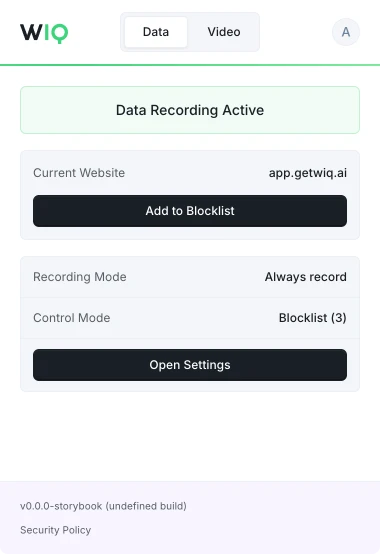
WIQ is built for enterprises that take data privacy seriously. Everything runs within a security framework designed for regulated industries.
Allowlist and blocklist by app, domain, and time window. Nothing outside the policy is ever recorded.
Scope the tools each Agent can reach and the actions it can take. Set the approval gates and escalation paths before it runs.
Every run is checked against the approved blueprint. Deviations are flagged and exceptions route to the right person.
Run locally where the work happens or inside your own cloud. The work never has to leave your environment.
Move purchasing work forward across supplier and system handoffs.
Handle the operational work behind customer conversations.
Bring case evidence together for investigation and review.
Coordinate customer checks, documents, and review.
Investigate failed payments and coordinate resolution.
Keep orders, carriers, and inbound receipts moving to plan.
Bring your operation. We'll show you the ranked candidates and the ROI.
Book a demo