In this skill
Steps, inputs, decisions
Your download carries the full process - the steps, inputs, and decisions WIQ extracted from your recording - as a structured Claude skill you can hand to anyone.

Show WIQ how the work gets done and we will turn your recording into a shareable Claude skill.
This is a Claude skill - a solid start. A WIQ blueprint carries the same process plus the controls that make it run reliably, every time.
Your download carries the full process - the steps, inputs, and decisions WIQ extracted from your recording - as a structured Claude skill you can hand to anyone.
Skills execute through Claude connectors. Wire up the ones the process needs - or mark those steps for manual or in-browser execution.
The skill above lists them; on WIQ they're checked after every step, so the agent stops and hands off the moment something looks wrong.
A downloaded skill can only ask Claude to follow the rules. WIQ enforces them - supervising the agent's reasoning at every step, not just its output.

Decide what WIQ can see, what each agent is allowed to do, and where it runs. Every run is checked against the approved blueprint and logged.
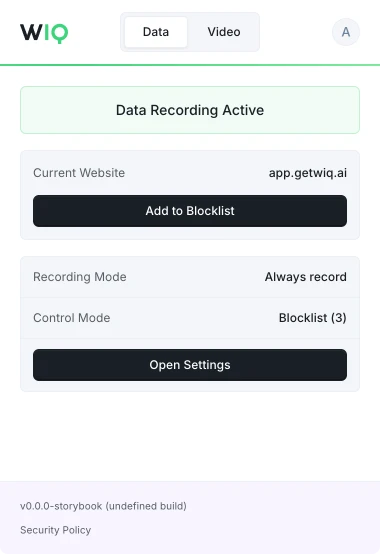
Allowlist and blocklist by app, domain, and time window. Nothing outside the policy is ever recorded.
Scope the tools each Agent can reach and the actions it can take. Set the approval gates and escalation paths before it runs.
Every run is checked against the approved blueprint. Deviations are flagged and exceptions route to the right person.
Run locally where the work happens or inside your own cloud. The work never has to leave your environment.
WIQ combines observed work, existing documentation, and input from your team to build process blueprints.
A blueprint describes the process steps, required tools, and approval points. Your team reviews it before deployment.
Agents run in your existing AI platform using WIQ blueprints. Deployment depends on the tools and access each workflow needs.
Admins and users can define which apps and sites WIQ records using allowlists and blocklists.
WIQ surfaces process changes and helps your team review and approve blueprint updates before deployment.

Schedule a discovery session with an AI architect.
Book a demo