Purchase request to PO
Remove Excel
- Projected Impact Proj. Impact
- Time
- Time saved
- ~1h / wk
- Per case
- 3m
- Cases / wk
- 20

As work evolves, WIQ keeps blueprints in sync, updating agent instructions, tracking performance, and flagging anything that needs attention.
What would you like to do?
When a process shifts, WIQ catches the new variation and updates the blueprint, so agent instructions stay in step with how the work is actually done.
Get actionable recommendations to improve how processes run and agents perform. Identify bottlenecks, refine workflows, and continuously improve your blueprints.
Run & Time Saved / Week by day
Compare process metrics across time periods to measure how automation changes performance. Track the actual shift in handle times and throughput before and after agents go live.

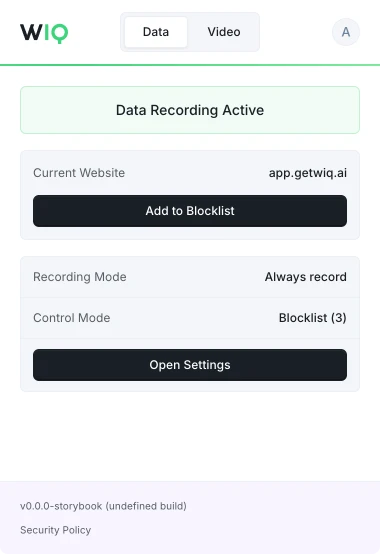
Decide what WIQ can see, what each agent is allowed to do, and where it runs. Every run is checked against the approved blueprint and logged.
Allowlist and blocklist by app, domain, and time window. Nothing outside the policy is ever recorded.
Scope the tools each Agent can reach and the actions it can take. Set the approval gates and escalation paths before it runs.
Every run is checked against the approved blueprint. Deviations are flagged and exceptions route to the right person.
Run locally where the work happens or inside your own cloud. The work never has to leave your environment.
WIQ combines observed work, existing documentation, and input from your team to build process blueprints.
A blueprint describes the process steps, required tools, and approval points. Your team reviews it before deployment.
Agents run in your existing AI platform using WIQ blueprints. Deployment depends on the tools and access each workflow needs.
Admins and users can define which apps and sites WIQ records using allowlists and blocklists.
WIQ surfaces process changes and helps your team review and approve blueprint updates before deployment.
See how WIQ keeps blueprints current as your processes change.
Book a demo