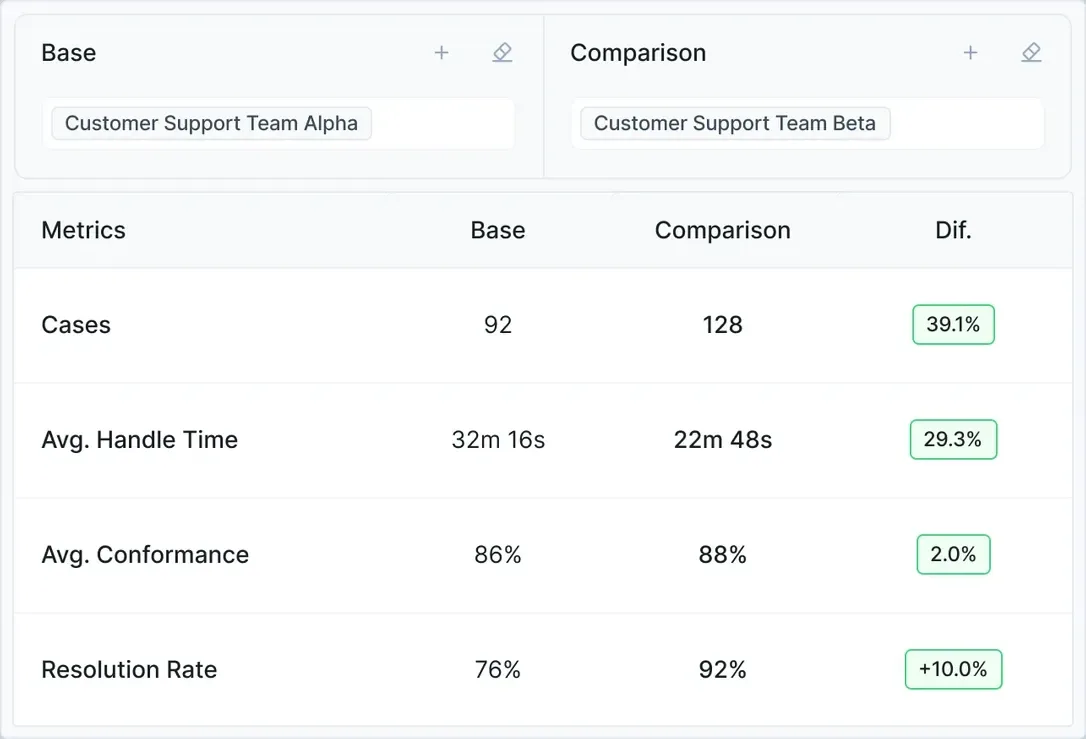


Measure the same workflow boundary before and during the pilot. Record active work separately from waiting, and keep normal cases, exceptions and unfinished work visible. This worksheet records individual cases; it does not estimate a reliable population rate from a small sample.
How to use this process time study template
Use this case-level time study to establish a process baseline before automation. Record human handling minutes, elapsed hours, handoffs, exceptions and rework for each eligible case. It measures workflow effort and variation; it does not calculate industrial standard times or employee performance ratings.
- Download the CSV, import it into Excel or Google Sheets and replace the 12 illustrative rows.
- Measure active work with a timer or approved activity records. Use case start and completion times to measure elapsed duration. Record waiting intervals separately when you need a waiting-time measure.
- Agree the workflow boundary and observation window before collection. Leave unmeasured values blank.
Define the workflow and observation window
The process owner should document the trigger, finished outcome, eligible case types, exclusions, systems and observation dates before collection. Choose a window that includes the relevant operating cycle, such as month-end if it changes the work. Use the case log to check the mix of normal cases and known exception categories, roles and shifts against the population you intend to automate. Extend collection or narrow the pilot when an important group is missing. There is no universal sample size that makes a pilot representative.
- Record which roles, locations and shifts the sample covers.
- Use the same case definition for the baseline and pilot.
- Record excluded and still-open cases separately so they do not disappear from the denominator.
- Use approved, non-sensitive case identifiers and storage.
Record handling time and outcomes per case
Active handling minutes count all human work on a case, including rework. Elapsed hours measure the time from the defined trigger to completion, including waits. Rework minutes are a subset of active minutes; do not add them a second time.
- Handoffs: count transfers of responsibility between people or queues.
- Exception: a case that leaves the defined normal path; agree the categories before collection. Use None when no exception occurs.
- Rework: time spent correcting an earlier attempt; use zero for observed no rework and leave unmeasured time blank.
- Final outcome: record completed, failed or still open. Record the observation cutoff for open cases.
Summarize the baseline without hiding variation
Report sample size, dates, case mix, the median and range of active time, mean active time, exception count and rework count. Divide each rate by the matching observed population and show that denominator. Report open cases separately; calculate completion-time summaries only for completed cases.
- Review normal and exception cases separately before extrapolating.
- Do not enter zero when a time was not measured. State how many records are missing.
- Use comparable eligible cases when judging the pilot; a change in case mix can change the average without improving the process.
- Ask the process owner to review the records and limitations before using them in a business case.
Filled example
The downloadable sample contains 12 invented cases. Median active handling time is 28 minutes, with a range of 20–50 minutes. Four cases have an exception (4/12, about 33%), and three require rework (3/12, 25%). Total active time is 363 minutes, including 35 minutes of rework. The mean is 30.25 minutes per case. Use the mean or a case-weighted estimate for total effort; the median describes the typical case. These figures demonstrate the calculation, not a customer result.